Social Login
Social login allows users to authenticate using their existing accounts from popular platforms like Google, Yandex, Telegram and others.
To enable social login, register your application with the respective social platform and obtain client credentials. Then open Admin → Settings → OAuth Providers, edit the provider, enter its credentials, and enable it. All supported providers are created in a disabled state. OAuth credentials are no longer read from environment variables.
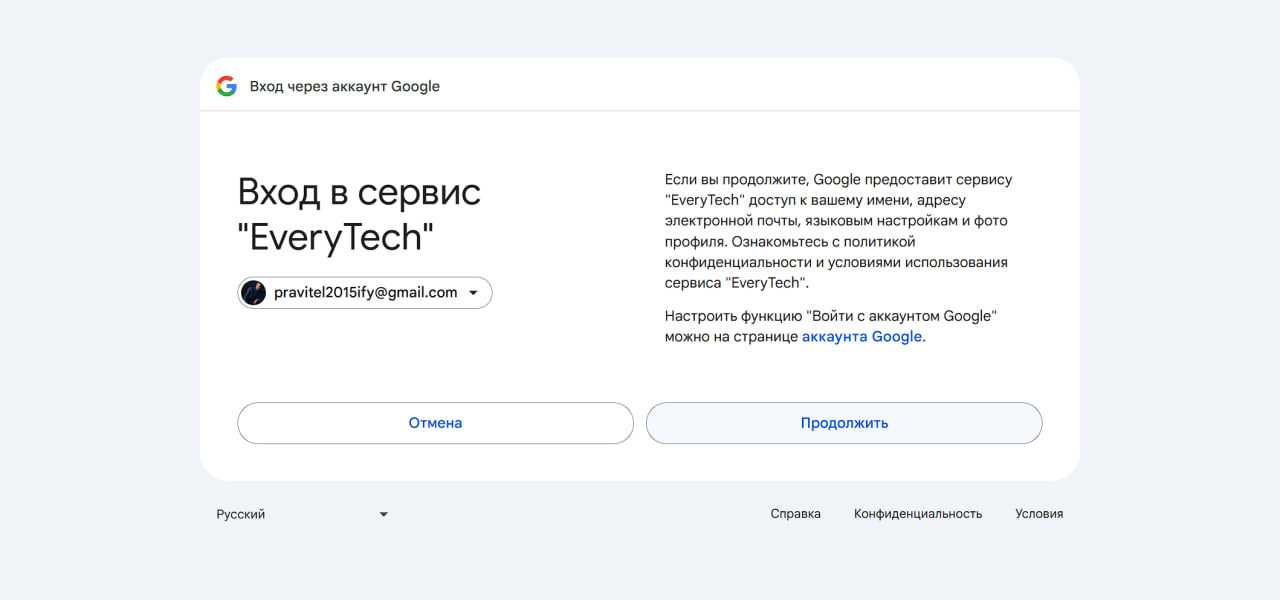
Google
Visit https://console.cloud.google.com/apis/credentials to obtain client credentials.
In the Admin panel, enter the Google Client ID and Client Secret, then enable Google.
Yandex
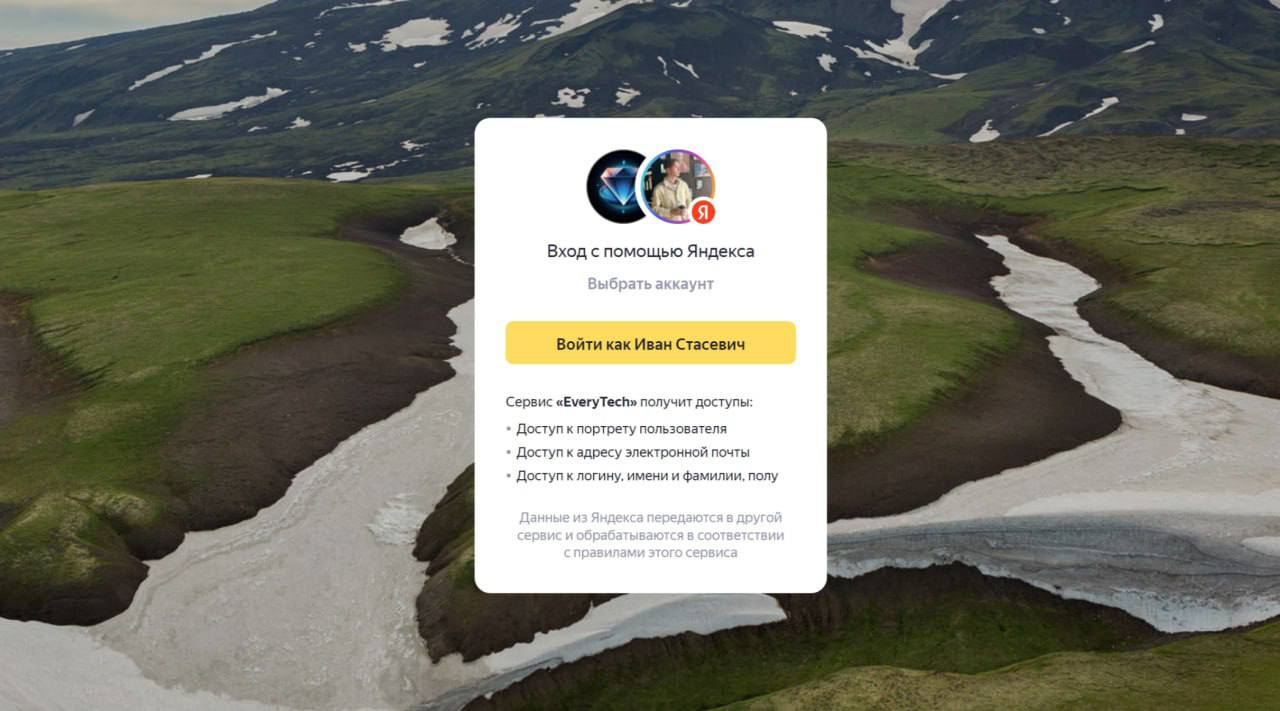
Visit https://oauth.yandex.ru to obtain client credentials.
In the Admin panel, enter the Yandex Client ID and Client Secret, then enable Yandex.
Telegram
Visit https://t.me/BotFather to create a new bot and obtain the token. Set the domain for the bot in the BotFather settings.
In the Admin panel, put the bot token in Client Secret and enable Telegram. Telegram does not use Client ID.
